Stock photos are existing photographs you can obtain under a stated license. Start with the job the image must do: introduce a service, demonstrate a setting or give an idea a human context. Your own product and team photography is often the better choice when the image is meant to document your business.
Choose for the project, not just the picture.
Choose a photograph when the real-world appearance of a subject matters. A cafe menu needs the right kind of food; a travel article needs the right place. For a process diagram, use editable shapes instead. A student report may benefit more from a clearly labeled chart than another decorative photograph.
Look for a believable activity that relates to the service. Keep stock scenes separate from staff profiles or customer case studies, where the reader expects real people from your organization.
Try searching: “bookkeeping workspace natural light”. Add a crop or style term only when it helps narrow the result.
Choose a recognizable process or component. A circuit board can introduce hardware, but it does not explain how your software works. Use your own screenshots when you need to demonstrate a real interface.
Try searching: “circuit board close up”. Add a crop or style term only when it helps narrow the result.
Match the activity, setting and tone to the audience. Avoid implying that a pictured person is your employee, client or someone with a specific condition. Consider a detail shot when a recognizable face adds little.
Try searching: “hands working laptop daylight”. Add a crop or style term only when it helps narrow the result.
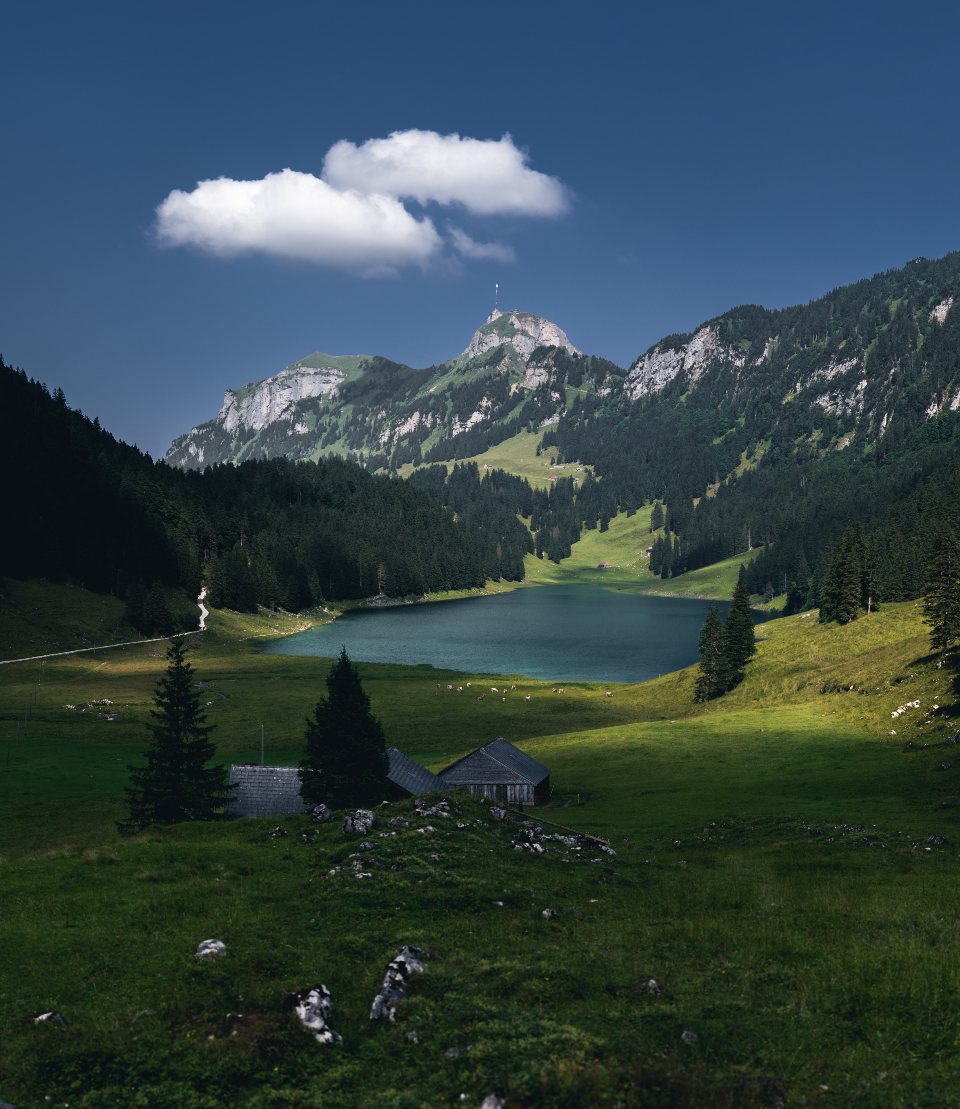
Check that a photograph actually depicts the place named in your text. Caption a general scenic image as illustrative when you cannot verify the location. Select compositions that support the story rather than just the destination name.
Try searching: “destination name landscape wide”. Add a crop or style term only when it helps narrow the result.
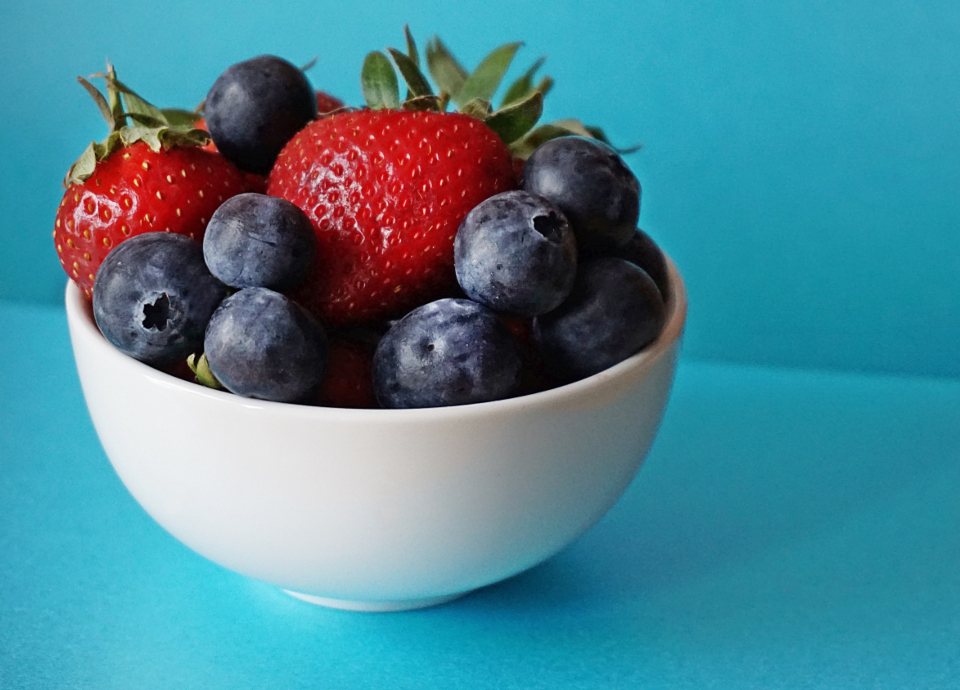
Compare lighting, preparation and portion style with what you offer. For a real menu, photograph your actual dish; for an article about meal planning, a relevant general food image may be sufficient.
Try searching: “berries bowl blue background”. Add a crop or style term only when it helps narrow the result.
Prioritize context and accuracy. Look for appropriate equipment and a respectful tone, and avoid associating an identifiable person with a diagnosis. A photograph should not stand in for a verified medical diagram.
Try searching: “stethoscope clipboard detail”. Add a crop or style term only when it helps narrow the result.
Use actual property photos for a listing. Stock interiors are better suited to general advice about lighting, decorating or home organization. Examine straight lines and the crop before choosing an image for a wide header.
Try searching: “interior natural light wide”. Add a crop or style term only when it helps narrow the result.
Choose the mood and amount of detail deliberately. A calm lake offers quiet space; foliage and rock textures make busier backgrounds. Test whether the image still works with your headline at a narrow width.
Try searching: “lake reflection copy space”. Add a crop or style term only when it helps narrow the result.
Write the headline before selecting a hero photo. Look for quiet space beside the subject, then test a wide desktop crop and a narrow phone crop. If the headline covers the important detail, choose another composition instead of shrinking the text.
Use actual product and team photography where visitors expect to see your business. For supporting stock photos, keep lighting and color consistent across pages. Export only the resolution the layout needs and keep source files for later crops.
Before you download
Test the layout. Place a preview in the actual page or slide, including the smallest crop you need.
Check the file. Confirm resolution, format, editability and software compatibility.
Check the intended use. Read the asset’s current license and keep its source and purchase or download record.
Keep the message honest. Context imagery should not pretend to document your own people, products or results.
Provider information was checked against the official pages below on September 11, 2026. Selection tips are our editorial suggestions, not results of hands-on product testing. Prices, features and permissions can change; check the current terms for your project.